Tag On
Choose from 3 subcategories
Battery tag-on flexes solve a problem every shop meets: fit a battery Apple has not authenticated and iOS shows the "Important Battery Message" and hides Battery Health. The phone is fine, but the customer sees a warning and assumes the repair was not. A tag-on solders onto the battery board and restores normal reporting.
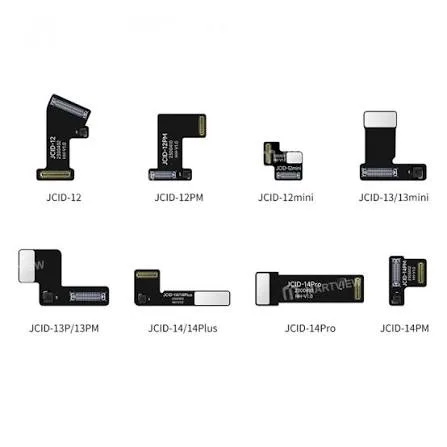
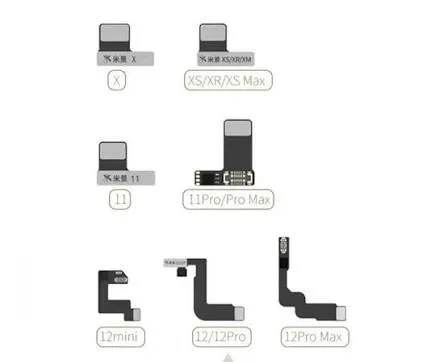
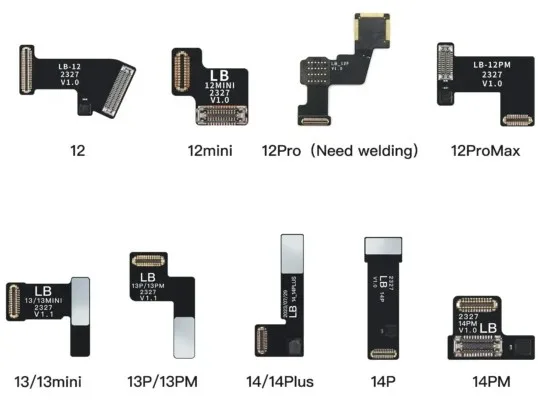
How to choose Tag On
This is the cheaper of the two routes. The alternative is transferring the original battery board data with a programmer, which is better if you already own the equipment. Fit and test the battery first, then add the tag-on — diagnosing a bad cell through a tag-on wastes time.
Tag On frequently asked questions
What warning does a tag-on flex remove?
The "Important Battery Message" service notice, which also hides the Battery Health percentage. The phone charges and runs normally either way; the tag-on restores the reporting so the customer sees no warning.
Is a tag-on better than programming the battery data?
It reaches the same visible result for far less outlay. Programming the original board data across is the better route if you already own a programmer, since it keeps the phone entirely original.
Does fitting one need soldering?
Yes, onto the battery board. It is fine work but well within reach of anyone comfortable with an iron and magnification.